 How-to
How to Verify Local Store Hours Before You Go
Last Updated: November 12, 2026
Quick Summary
To verify store hours, start with the store's Google Maps profile, then check for holiday or special-hours labels and confirm by phone. Listed hours are usually the regular schedule and often miss holidays, private events or last-minute closures, so a quick call before you leave is the most reliable check.
- Search the store name plus your city, then open its Google Maps profile.
- Tap the arrow beside today's hours to see the full week's schedule.
- Look for a "Hours may vary" note, which signals special schedules.
- Check for a "Holiday hours" or "Special hours" label before visiting on a holiday.
- Call the store and ask whether it is open at your planned time on that date.
Table of Contents
- How to Check Store Hours on Google Maps
- Checking Store Holiday Hours
- Why You Should Call a Store to Confirm Hours and Track Temporary Changes
- Frequently Asked Questions
Checking store hours before you head out saves wasted trips, especially for comic shops, game stores and card shops that change their schedule for conventions and holidays. This guide shows you how to verify local store hours using a few quick checks, so you arrive when the doors are actually open. Because schedules can shift when shops serve customers beyond their storefronts, Web Maniacs connects checking local hours with keeping service areas current.
Most hours listed online are the regular schedule. They rarely reflect a holiday, a private event or a last-minute closure. That is why a quick verification routine matters.
How to Check Store Hours on Google Maps
Google Maps is the fastest starting point for most shoppers. Search for the store name, then open its business profile.
- Search the store name plus your city
- Tap the listing and look for the "Hours" section
- Tap the arrow next to today's hours to see the full week
- Check the "Hours may vary" note, which signals special schedules
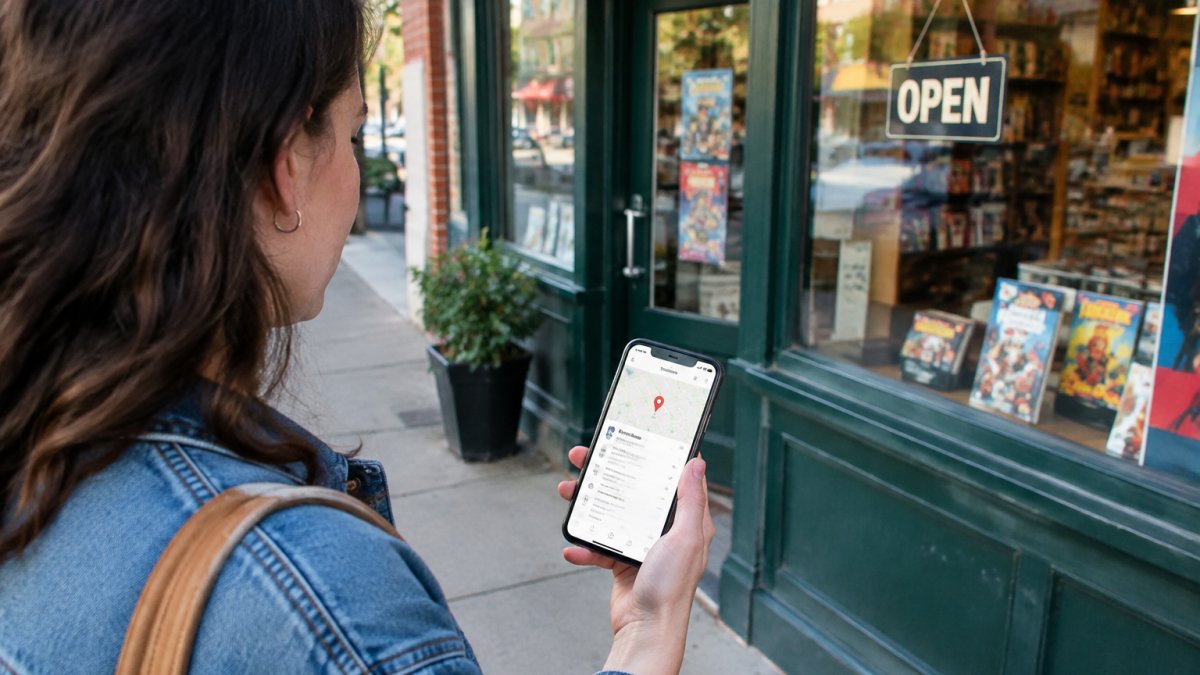
Store listings are often edited by owners and visitors, so treat them as a strong guide, not a guarantee.
The article's Google Maps steps can be summarised in a quick reference for scanning before you leave.
| Step | What to do | Note |
|---|---|---|
| Search | Search the store name plus your city | Starting point |
| Open profile | Tap the listing and find the "Hours" section | Shows regular schedule |
| See full week | Tap the arrow next to today's hours | Shows all days |
| Check notes | Look for "Hours may vary" | Signals special schedules |
Checking Store Holiday Hours
Holiday schedules are where listings most often go wrong. Some shops close early or stay shut on major holidays.
- Look for a "Holiday hours" or "Special hours" label on the profile
- Compare the date you plan to visit with the posted exceptions
- Check the store's own website or social media for holiday posts, and find updated comic book release dates to plan around holiday schedules.
Why You Should Call a Store to Confirm Hours and Track Temporary Changes
A phone call is the most reliable check you can make. Staff know about cancelled events, short-staffed days and early closures that no listing shows yet.
- Call the number listed on the store's profile
- Ask directly: "Are you open at this time on this date?"
- Ask whether any event or pre-order pickup could change the schedule
Call ahead before any trip that depends on a specific item, event or time window.
Frequently Asked Questions
How can I check whether a local store is open right now?
Open the store's listing in Google Maps and look at the status line under the store name. It shows whether the store is open now and when it next opens or closes. Check the store's website or social media for same-day notices, since those often reflect changes the listing has not caught up with. If the answer still matters for your trip, call the store directly before you leave. A quick call is the most reliable check for same-day status.
Are store hours on Google always accurate?
No. Google listings depend on the business owner or staff keeping them updated, and many small shops forget to change hours for holidays or temporary closures. Treat the listing as a starting point. Compare it with the store's website and social media, and confirm with a phone call when a trip depends on the hours being right.
Should I call a store to confirm its hours?
Yes, especially for holidays, weekends, and any trip that would be wasted if the store is closed. A phone call gives you the most current information, including last-minute changes. Keep the call short: ask whether the store is open at the time you plan to arrive and whether any special hours apply that day. If nobody answers, check the store's website or social media for a posted notice.