
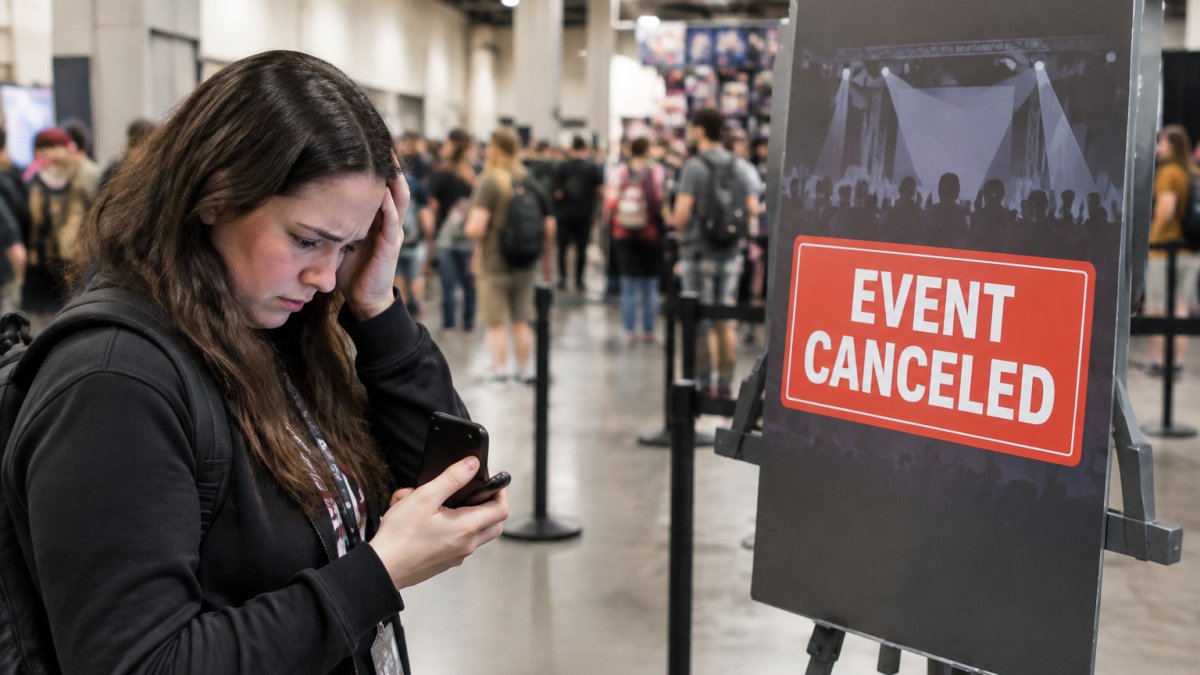
 How-to
How to Spot Cancelled Fan Events: A Verification Checklist
Last Updated: November 7, 2026
Quick Summary
To spot cancelled fan events, check the official event page for a status banner or updated date, then your ticketing account order history and email for cancellation notices. Official accounts and fan support can confirm if information is unclear. Treat any listing without an official update as unconfirmed.
- Check the official event page for a status banner or updated date first.
- Open your ticketing account and review order history for cancellation notices.
- Search your email for messages from the platform, promoter, or venue.
- Review official venue and artist social channels, which post fast updates.
- Never pay a rebooking fee; official cancellations do not require payment.
Table of Contents
- Step-by-Step: How to Check If an Event Is Canceled
- Canceled, Postponed, or Relocated: Knowing the Difference
- Getting Your Refund: Ticketmaster and Fan Event Cancellation Announcements
- Frequently Asked Questions
Step-by-Step: How to Check If an Event Is Canceled
Cancelled fan events catch people off guard. Checking an event's status before you plan your day around it can save you a wasted trip.
Cancelled fan events are announced in several places. Start with the official event page, then check your ticketing account and email, working through the steps below in order.

- Check the official event page. Look for a status banner or updated date at the top.
- Open your ticketing account. Cancellation notices often appear under your order history.
- Search your email. Look for messages from the ticketing platform, promoter, or venue.
- Review venue and artist social channels. Official accounts post fast updates.
- Call or message fan support. Ask directly if the posted information is unclear.
For backup plans, you can browse upcoming comic conventions near me and comic shops, collectible stores, and fan events to confirm details against listings.
Watch out: a message asking you to pay a "rebooking fee" to keep your spot is a common scam. Official cancellations do not require payment.
The steps below give a quick order for checking whether a fan event has been cancelled.
| Step | What to do | Where to look |
|---|---|---|
| Check the official event page | Look for a status banner or updated date | Event website |
| Open your ticketing account | Check order history for cancellation notices | Ticketing account |
| Search your email | Look for messages from the platform, promoter, or venue | Email inbox |
| Review social channels | Official accounts post fast updates | Venue and artist accounts |
| Call or message fan support | Ask directly if posted information is unclear | Fan support |
Canceled, Postponed, or Relocated: Knowing the Difference
These terms mean different things. A canceled event will not happen at all. A postponed event keeps its name but moves to a new date. A relocated event stays on the same date at a new venue.
A canceled event usually keeps a notice on its page. A listing that simply disappears may have been deleted or never confirmed, so treat it as unverified.
If no official update exists, assume the event is unconfirmed until the organizer says otherwise. How to Find Updated Comic Book Release Dates covers related release-date information.
Getting Your Refund: Ticketmaster and Fan Event Cancellation Announcements
Refund rules depend on the seller and the type of change. For a canceled event, most ticketing platforms, including Ticketmaster, offer refunds through the original purchase method. Check the cancellation announcement for the exact steps and deadline.
Keep your order confirmation and proof of purchase. Support teams will ask for them. Never share card details with someone who contacts you first, since refund scams often pose as official support.
If you need an in-person option, find local comic shops near you to locate nearby stores.
Frequently Asked Questions
How can I tell whether a cancellation notice is legitimate?
Confirm the notice came from the ticketing platform, the venue, the organizer, or the artist's verified channels. Be cautious of emails that ask you to click an unfamiliar link, pay a fee, or share payment details to receive a refund. Compare the notice against the event page on the official ticketing site. If the event page shows no change and the message is not in your purchase records, treat it as suspicious and contact the ticketing platform's support directly using a phone number or address you find yourself.
What is the difference between a canceled, postponed, and rescheduled event?
A canceled event will not take place and usually triggers a refund. A postponed event has no new date yet, while a rescheduled event has a confirmed new date. Your ticket typically stays valid for a rescheduled or postponed event, but refund rights can vary by organizer and ticket type. Check the official announcement for the exact status and the stated refund terms before deciding what to do with your ticket.
Will I get a Ticketmaster refund if a fan event is canceled?
Refund eligibility and timing depend on the ticketing platform and the event's cancellation announcement, so check those for the exact terms. Check the cancellation announcement and your order in your ticketing account for the refund option. Keep your proof of purchase in case you need to contact support.