 How-to
How Do You Search Comic Store Inventory?
Last Updated: November 8, 2026
Quick Summary
Comic store inventory is searched by checking the shop's website catalog, social media arrival posts, or by calling staff with the exact series title, issue number and variant. Shops without online catalogs can still be searched by giving staff precise details so they can check shelves and point-of-sale records.
- Start with the shop's website for a search bar, New Arrivals page or Back Issues section.
- Search by exact series title and issue number, and try fewer words if nothing matches.
- Give staff the title, issue number, volume or year, publisher and cover variant when calling.
- Ask staff for two or three candidates per call to keep the check quick.
- Confirm stock, condition and edition by phone before you travel to the shop.
Table of Contents
- How to Search Comic Store Inventory Online
- How to Search Comic Store Inventory Near Me
- Setting Up a Comic Book Pull List That Works
- Confirming Stock, Condition, and Edition Before You Travel
- Your Next Step: Call the Shop With a Specific Request
- Frequently Asked Questions
How to Search Comic Store Inventory Online
Finding a specific comic in a store's stock used to mean walking every longbox in town. Today most shops post at least part of their stock online, and a few minutes of searching can tell you whether a trip is worth making. FANBOYS helps you find comic shops and fan events near you, so you can start with the stores closest to home.
Comic store inventory is the list of issues, trades and collectibles a shop has on hand right now. Some shops keep it on a website or point-of-sale catalog, while others only track it in-house. Knowing which type you are dealing with saves a lot of wasted time.
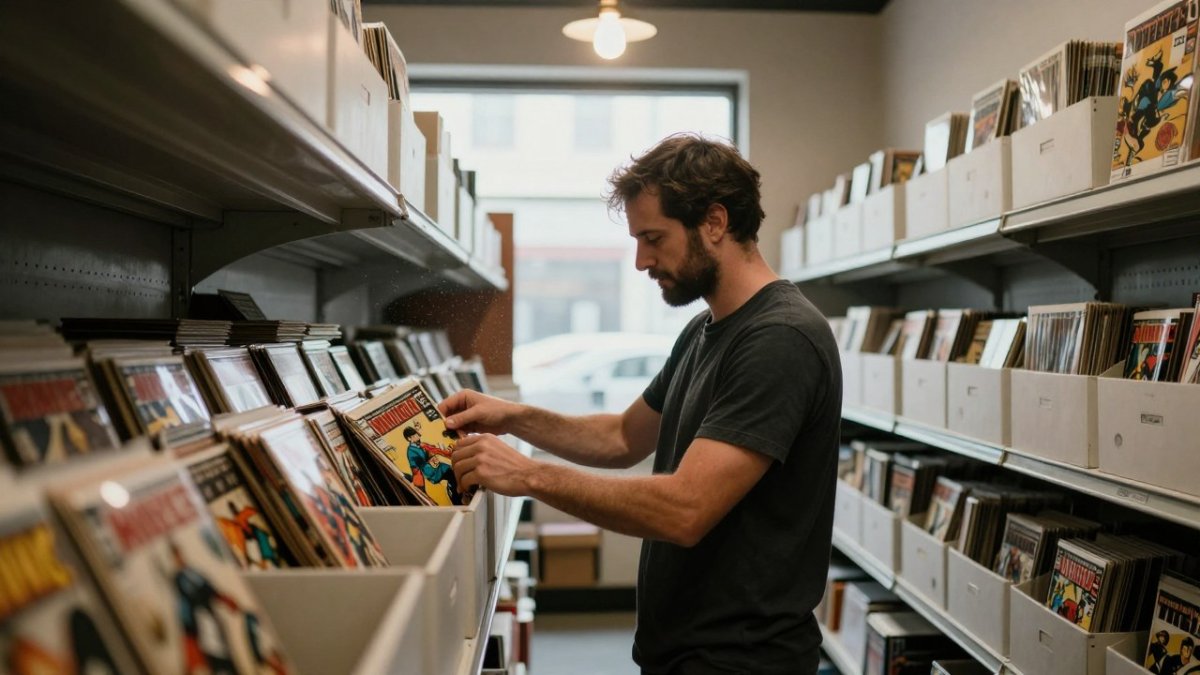
Start with the shop's own website. Look for a search bar, a "New Arrivals" page or a "Back Issues" section. Many small shops use a basic catalog that lists title, issue number, price and whether the book is in stock. If the site has no search, check the social media pages, since shops often post new shipments there.
Searching by Title and Issue Number
The most reliable way to search is by exact title and issue number. Type the series name as the publisher prints it, such as "Amazing Spider-Man," and add the issue number, such as "#300." Dropping "The" or adding a year can change the results, so try a few versions if nothing turns up.
Here is a simple method that works for most catalogs:
- Search the series name alone first to see every issue on file
- Narrow the list by issue number and check the stock status
- Look at the variant or edition field, since one issue can have several covers
- Note the listed condition grade before you plan a trip
A common mistake is assuming an issue is missing when the search only matched part of the title. Run a second search with fewer words before you give up.
How to Search Comic Store Inventory Near Me
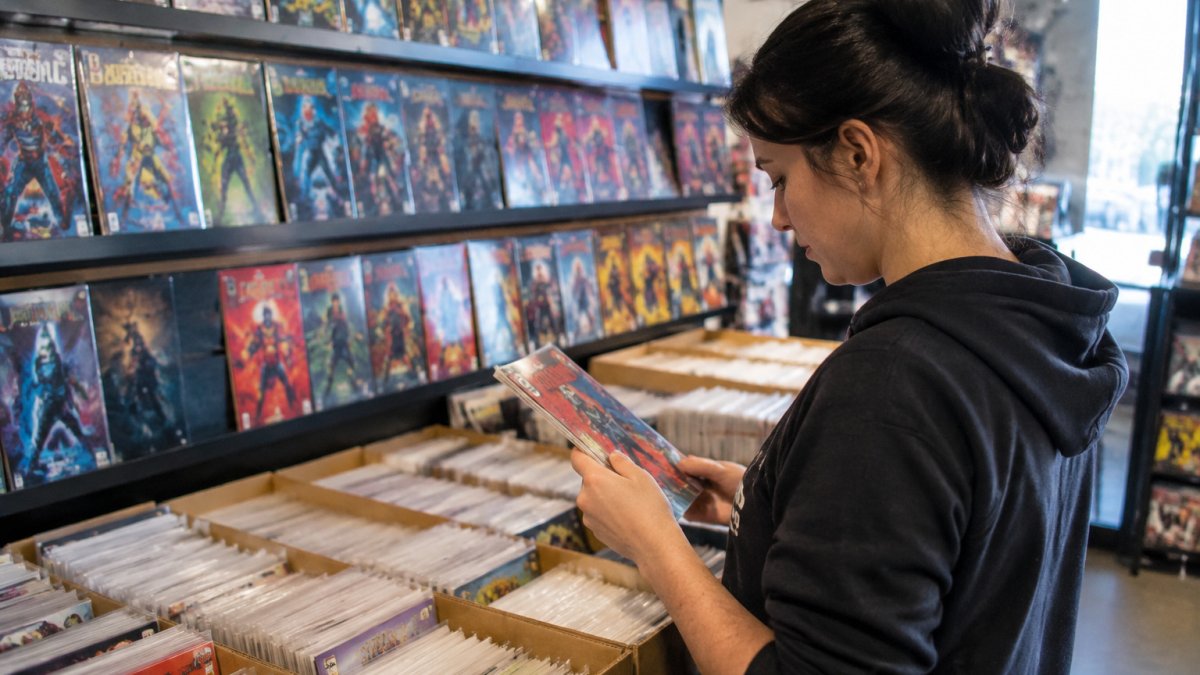
When you need a shop close by, start with a store locator. Find local comic shops near you for a guide to locating them. Search "comic shop near me" in a map app, then open each shop's website to see whether it lists its stock. Many stores that look busy on a map have no online catalog at all, so the map alone will not tell you what is on the shelves. The real work starts when you find a shop with no searchable inventory, and that is where most guides stop.
Searching a Shop That Has No Online Catalog
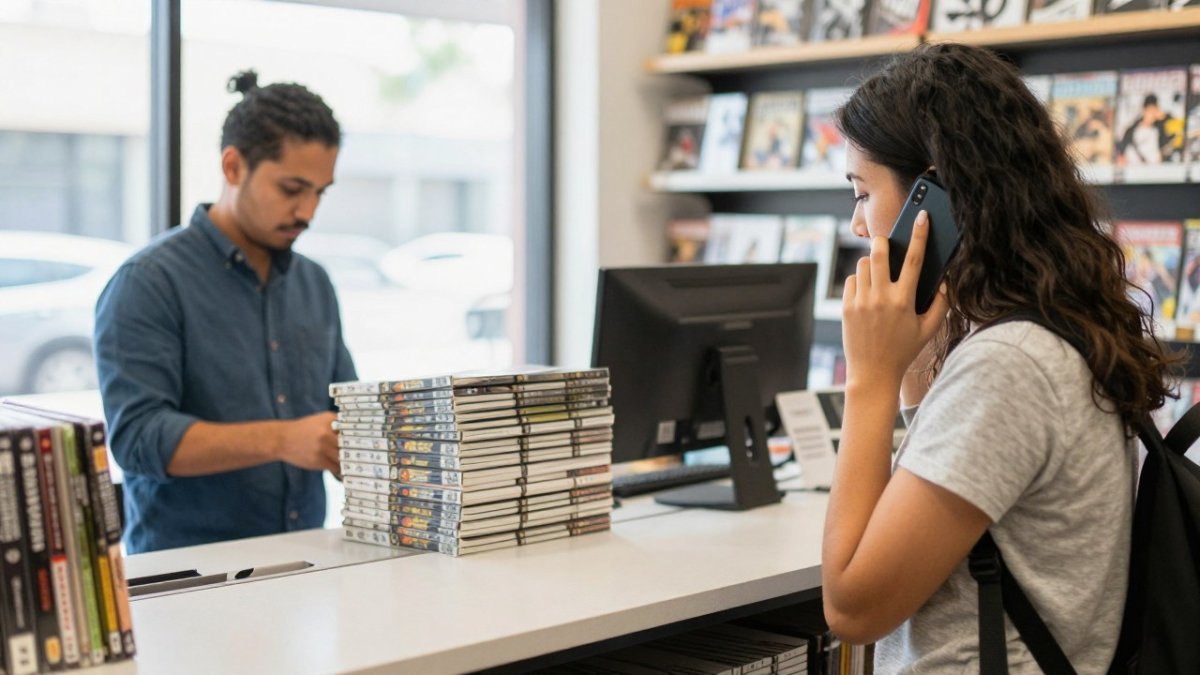
Most local comic shops still track back issues in a point-of-sale system or on paper, not on a public website. You can still search that inventory, but you do it through a person rather than a search bar. Treat the phone call as your search query and give the staff the same fields a database would: exact series title, issue number, volume or year, publisher, and cover variant. For example, ask for "Amazing Spider-Man, issue 300, 1988 series, Marvel, direct edition" rather than "the Venom comic." Staff can check the shelf, the back-issue bins, and the POS record in one pass.
A common pattern is to ask for two or three candidates at once so the staff can check them in a single trip to the bins. Keep the list short, five or more requests slows the check and increases the chance of a mistake.
Watch out: a shop's POS record may show a copy as "in stock" when it was sold, damaged, or misfiled. Ask the staff to physically pull the book and read the cover and indicia back to you before you drive over.
Using Social Posts and Arrival Lists as a Search Index
Some shops post new arrivals, back-issue restocks, and sale bins on social media or in a newsletter. These posts function as a rough inventory index you can search by scrolling or using the platform's search. Follow the shops within driving distance and check their arrival posts when new comics ship. If a shop posts a photo of a bin, zoom in and read the spines, you can often identify issues before you call.
Some shops also maintain a want list or hold request form on their site. Submitting a want list is a search that runs over time. Ask how long a request stays active and whether it applies to variants.
Confirming Hours and Hold Policies Before You Travel
Check the store hours before you go, because small shops often open late or close on certain days. Ask whether the shop will hold an issue and for how long. Hold policies vary from shop to shop, so ask yours directly. Get the policy in writing if you can, such as a confirmation text or email, so there is no confusion when you arrive.
The article lays out the details a shop needs to find a specific issue when it has no online catalog.
| Request detail | Example | Why it matters |
|---|---|---|
| Exact series title | Amazing Spider-Man | Staff can match the right run |
| Issue number | #300 | Identifies the exact book |
| Volume or year | 1988 series | Separates similar runs |
| Publisher | Marvel | Narrows the shelf search |
| Cover variant | Direct edition | Avoids mixing up covers |
| Candidates per call | Two or three | Keeps the check quick |
Setting Up a Comic Book Pull List That Works
A pull list is a standing order at a comic shop. You tell the staff which series you follow, and they set aside each new issue for you when it arrives. This is the most dependable way to get current books without searching every week. Find updated comic book release dates to plan which books to request each week.
To set one up, make a list of the series you read, the variant covers you want and the shop's pickup or hold policy. Ask the staff how they handle late arrivals and whether they will call you when a book comes in. Review your list every month, since some series end and others start.
Ask whether variants are ordered in advance or sold as they arrive.
Confirming Stock, Condition, and Edition Before You Travel
Before you drive to a shop, confirm three things. First, confirm the issue is in stock. Second, confirm the condition, since a "fine" copy and a "poor" copy can differ in price by a wide margin. Third, confirm the exact edition or variant, because similar covers are easy to mix up.
A short phone call can cover all three. Ask the staff to read the cover and the printed issue number back to you, and to note any visible tears, creases or color flaws on the copy they hold.
Searching online alone can mislead you, because a store's listing may not match what is on the shelf that day. Treat the online result as a lead, then verify it with the shop.
Your Next Step: Call the Shop With a Specific Request
Once you have a store in mind, call with a specific request. Browse local stores and fan events to find places to reach out to. Give the title, issue number, variant and the condition you want. A clear request gets a faster and more accurate answer than a general question about what they have.
Find local comic shops and fan events near you at FANBOYS, where you can browse stores, collectible shops and conventions in your area. The next time you need a particular issue, you will know where to look and what to ask.
Frequently Asked Questions
Is there an app to track comic book inventory?
Several apps and websites let you catalog a personal collection or search a retailer's listings, but they track different things. Collection apps such as League of Comic Geeks help you log what you own, including issue, variant, and condition. Store inventory is a separate question. Many independent shops only show stock in person or by phone, so an app may list a title without confirming it is on the shelf. Check the shop's own site or call before you rely on any listing.
Can I search comic store inventory by title, issue number, or barcode?
It depends on the shop. Stores with an online catalog usually let you search by title and issue number, and some accept a barcode or UPC if you enter it into the search box. Smaller shops often have no searchable database at all. In that case, send an email or call with the exact title, issue number, publisher, and cover variant, since that is the information staff need to check the back stock quickly.
Should I call a comic shop to confirm an item is in stock?
Yes, especially for older back issues, variant covers, or anything you plan to drive across town for. Online listings can lag behind sales, and a book can sell after it was posted. When you call, give the title, issue number, publisher, and cover variant, then ask whether the copy is in stock and what grade it is. Ask them to hold it if they will accept a deposit or a short hold.
How do comic book store pull lists work?
A pull list is a standing request in which the shop sets aside new releases for you each week, based on the titles you choose. You usually fill out the list in person or by email, and staff hold your copies until you pick them up or the pickup window closes. Lists are useful for ongoing series, since you do not have to search for each new issue. Confirm the shop's pickup deadline and any deposit policy before you start.