 blog
Is a Local Gaming Social App Worth It for You?
Last Updated: November 21, 2026
Quick Summary
A local gaming social app is worth it mainly for people who are new to an area or want to play a specific game on short notice. Its value depends on how many active players live near you, so test the free tier before paying.
- Apps only surface people already nearby, so sparse local activity means few useful profiles.
- Set your search radius to a distance you would realistically travel, often 10 to 25 miles.
- Count recently active profiles for your game in the free tier before deciding to subscribe.
- Use approximate location settings and check privacy controls on day one.
- Meet in a public venue, tell someone your plans, and confirm sessions in chat the same day.
Table of Contents
- What a Local Gaming Social App Actually Does
- Finding Gamers to Play With: Does an App Help?
- Weighing the Cost, Privacy, and Safety Trade-Offs
- Free Apps, LFG Tools, and Other Alternatives Compared
- Choosing the Right Option and Making Your First Connection
- Frequently Asked Questions
What a Local Gaming Social App Actually Does
Is a local gaming social app worth it? For most people looking to meet gamers nearby, the answer depends on what you expect it to do. These apps are best understood as tools for finding people, not for finding games. They list nearby players, let you match by game and play style, and often include chat so you can arrange a session before you meet.
Most of these apps work the same basic way. You create a profile, pick the games you play, set a location range, and browse or get matched with others. Some add group finding, looking-for-group (LFG) posts, or in-app messaging. The useful part is that the app narrows the search to people who already share your interests.
A common mistake is expecting an app to create a community. It won't. It only surfaces people who are already there. If your city has few active tabletop players, even a well-built app will show you very few profiles.
Finding Gamers to Play With: Does an App Help?
Does an app actually help you find people to play with? It helps most when local activity is high and you are looking for a regular group rather than a one-off game. Apps reduce the search time, especially for players who don't know any local gaming groups yet.
There are three situations where an app adds real value:
- You're new to the area. An app gives you a starting list of people and groups without needing an existing contact.
- You play a specific game or format. Filtering by game, such as a particular tabletop system or card game, cuts through the noise.
- You want to play on short notice. Chat and availability features make last-minute sessions easier to organize.
In practice, the best results come from combining an app with real-world effort. Attend a local game night, introduce yourself, and then use the app to keep in touch with the people you meet. Apps work best as a follow-up tool rather than the entire strategy.
Watch out: profiles can be out of date. A player listed as active may have moved or stopped playing months ago, so message people before you plan around them.
Weighing the Cost, Privacy, and Safety Trade-Offs
The real cost of a local gaming social app is often more than the download. Paid subscription tiers, where offered, can unlock extra matches or profile boosts, and you also spend time curating a profile, answering messages, and vetting strangers. Before you pay for anything, estimate how many sessions you would realistically attend in a month and weigh that against the subscription price and the time you would spend messaging. Pricing varies by app, so check each app's current terms before you subscribe.
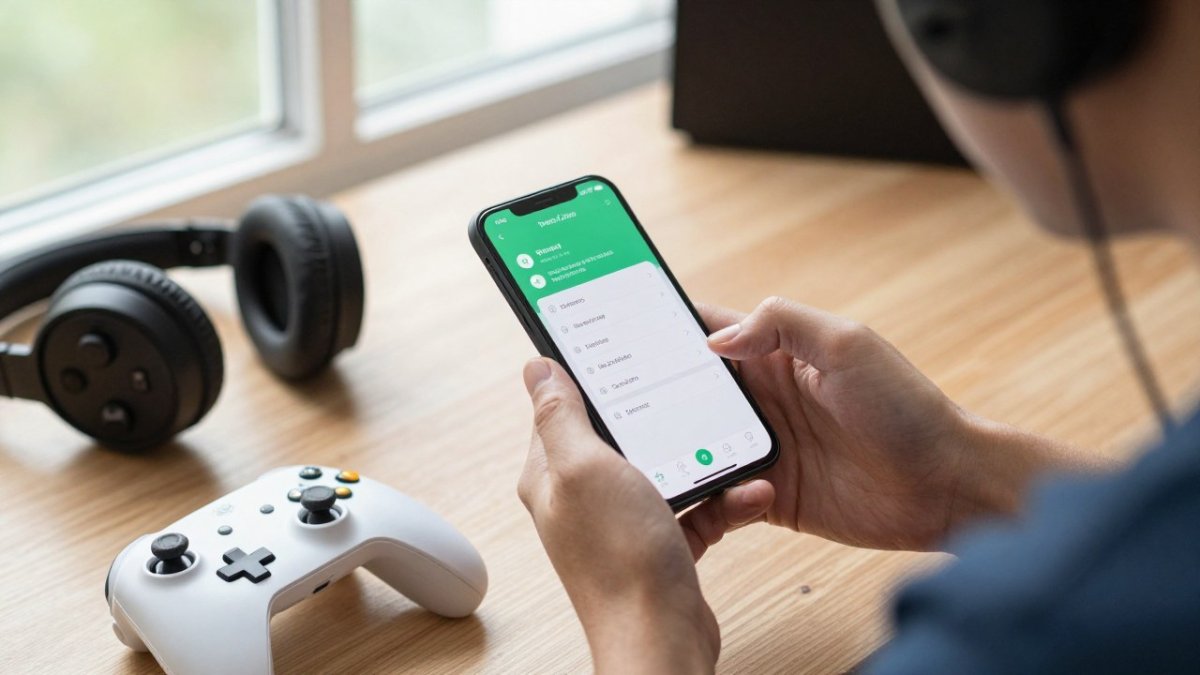
Privacy is the part most users underweight. A location-based app needs a rough sense of where you are to show nearby players, but you should never accept exact-address sharing by default. On day one, open the app's privacy settings and check four things: whether your location is shown as an approximate area rather than a pinpoint, whether your profile is visible to non-members, whether you can hide your online status, and whether the app shares data with third parties. Under United States privacy law, some states give residents rights to know what personal information a business collects and to request deletion, and many apps include a privacy dashboard or data-request link in settings (California Consumer Privacy Act (CCPA) | State of California - Department of Justice). Use it. If an app makes opting out of location tracking difficult or buries the setting, treat that as a signal about how it handles other data.
Safety starts before the first message. When you move from chat to an in-person session, choose a public venue, a game store, library, or cafe with open tables, and tell someone where you are going and when you expect to be back. Keep the first session short and focused on a specific game so you have a natural end point. Do not share your home address, workplace, or financial details in chat, and be suspicious of any request for money, gift cards, or deposits before a first meetup. If a profile pressures you to meet privately or off-platform immediately, that is a reason to stop, not to negotiate.
Watch out: profiles and availability can be stale, so confirm a session in chat the same day rather than planning around a listing that may be months old.
A reasonable test is whether the app's benefits outweigh the time and money you will spend managing profiles, messages, and safety settings. For a casual player who already has a weekly game night, the app may add little. For someone starting from zero in a new area, the trade-off often favors trying a free tier first and paying only after you have attended at least one session.
Free Apps, LFG Tools, and Other Alternatives Compared
Before you compare features, compare your local player density. If you'd rather skip apps altogether, step-by-step methods for finding active tabletop groups cover how to locate them without one. A local gaming social app is a network-effects product: it is only as useful as the number of active players within your chosen radius. An app that feels lively in a dense metro area can be a ghost town in a smaller market, and no feature list fixes that. The practical test is to download the free tier, set your radius to a realistic distance you would actually travel, often 10 to 25 miles, and count how many profiles have logged in or posted within the last week. If you see fewer than a handful of recently active players for your game, the app is unlikely to be worth your time regardless of price.
Once you know your local density, the alternatives fall into a few clear types:
| Option | Typical Cost | Best For | Main Limitation |
|---|---|---|---|
| Local gaming social app | Free tier; paid extras often $5-$15/month | Finding nearby players by game and schedule | Useless where local activity is thin |
| LFG posts on forums or social groups | Free | Joining an existing group quickly | Little filtering; moderation varies widely |
| Local game store events | Usually free or low-cost entry | Meeting players in person with a shared activity | Limited to store schedules and formats |
| Store and venue directories | Free | Locating physical places where groups meet | Shows places, not people |
| Convention and fan event listings | Often free to browse; badges vary | Meeting many players at once | Occasional, not weekly |
Directories can help with the density problem by showing where organized play already happens, which is often where the players are. A directory of local comic shops, collectible stores, gaming venues, and conventions can point you to those places. Use a directory to find the venue, then use an app or an LFG post to find the group that meets there. That sequence, venue first, people second, works even in areas where a social app has few users.
Social features matter, but only after density. Look at whether the app offers group chat, event scheduling, and game-specific filters, and compare that against how many people in your area actually use those features. A large feature list means little if the local user base is small. If you are in a thin market, put your effort into store events and LFG posts first, and revisit the app once you know which venues have active communities.
Watch out: an app's overall user count can look impressive while your local radius shows almost no activity, so judge it by nearby active users, not by national download figures.
Choosing the Right Option and Making Your First Connection
Start with your situation. If you know no one locally and play regularly, a social app plus a local venue is a strong combination. If you already have a store you visit, a game night there may be all you need. Decide what you want, whether a regular group, occasional games, or a broader fan community, and choose tools that fit that goal. Once you know whether you want a regular local group or occasional games, consider how playing across platforms with friends through BeatMe Games might broaden your options.
For your first connection, keep it simple. Pick a public venue, arrange a short session, and confirm the details in the app's chat before you go. Arriving a few minutes early and introducing yourself to the organizer usually helps.
Finding tabletop gaming events near you is often the easiest way to meet people in person. Check game store calendars and convention listings for open-play nights, then show up ready to play. Once you've met a few people, you can decide whether an app is worth keeping for the long term.
Frequently Asked Questions
Are apps to find gaming friends worth using?
For many players, yes, but the answer depends on what you want. Apps built around matching players by game, schedule, and skill level can save time compared with posting in random forums. They are less useful if you mainly want people in your own city to meet in person, because many player pools are online and spread across the country. Check how many active users play the games you care about before you commit, and try a free version first to see whether the matches you get are real and responsive.
Are there free apps to find gaming friends?
Yes. Several free apps and platforms let you find players, including LFG features on popular gaming platforms, matchmaking inside multiplayer games, and free tiers of social apps. Free options usually limit matching filters, messaging, or the number of connections you can make. Start with a free option, note how many replies you get over two or three weeks, and only consider a paid tier if the free version consistently fails to produce useful matches.
How can I stay safe when meeting gamers from an app?
Keep the first contact inside the app or a voice chat, and avoid sharing your home address, workplace, or daily schedule. Choose a public place for any in-person meetup, tell a friend where you are going, and arrange your own transportation. Review each app's reporting and blocking tools before you join, and check whether it verifies accounts. Stop contact with anyone who pressures you for personal details or money.
What should I look for in a local gaming community app?
Look at the games and the platforms it supports, how profiles and matching work, and how active the community is in your area. Check whether location is shown precisely or only as a general region, and whether you control that setting. Review moderation policies, reporting tools, and whether the app offers the in-person or local multiplayer options you need. A short trial period tells you more than feature lists do.