 how-to
How to Connect With Local Gamers: A Practical Guide
Last Updated: November 2, 2026
Quick Summary
To connect with local gamers, search gaming stores, comic shops, and tabletop venues near you, then check their event calendars and visit on a scheduled game night. You can also use Discord, Reddit, Facebook Groups, and Meetup to confirm a group is active and local before showing up.
- Check the last message date in a Discord server's general channel to confirm it is active.
- Introduce yourself with the games you play, your availability, and that you want an in-person group.
- On Xbox, open the People tab and select Clubs to browse clubs by game name.
- Before any in-person meetup, confirm the venue is public and tell someone where you are going.
- Ask an organizer which platforms they play on, which nights they meet, and whether they use a voice-chat app.
Table of Contents
- Start With the Gaming Groups Near Me: Location-First Steps
- Use Discord and the Best Apps to Find Gamer Friends
- How to Find Local Gamers on Xbox and Other Platforms
- Frequently Asked Questions
Start With the Gaming Groups Near Me: Location-First Steps
Finding local gamers starts with location, not apps. Search gaming stores and venues near you first, then let those places introduce you to people.
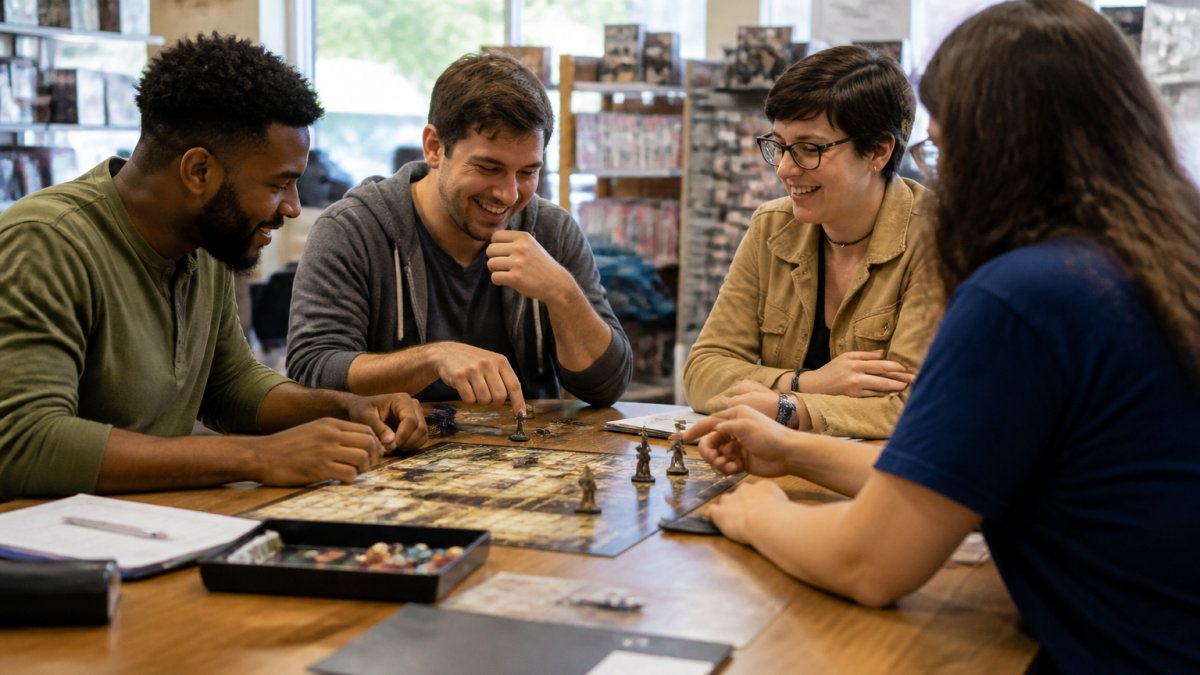
Search comic shops, tabletop stores, and gaming venues nearby; check event calendars for game nights; visit on a scheduled event night; ask staff which nights draw the biggest crowds; and introduce yourself as new.
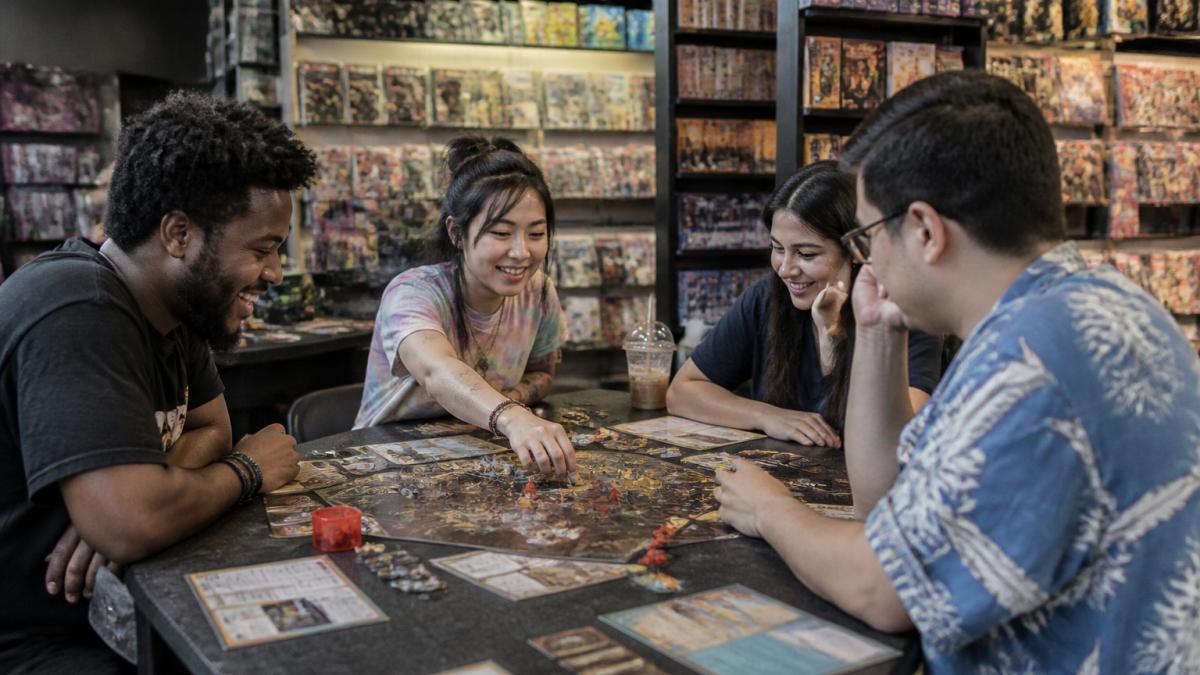
You can browse gaming venues and fan events near you and check upcoming conventions nearby.
Use Discord and the Best Apps to Find Gamer Friends
Discord servers and gamer-finding apps can help you find people to play with. Use them to confirm a group is active and local before showing up.
How to vet a Discord server before you invest time
Check the last message date in the general channel, 5,000 members with no activity is worse than 50 active players. Look for a channel for your specific game, search the server for your city, find posted meetup dates with a venue and organizer name, and send one short question to test responsiveness.
Apps and tools worth using
- Discord, search public servers by game and city; most local stores and tabletop groups run their own server.
- Reddit, city and game-specific subreddits often have weekly "looking for group" threads.
- Facebook Groups, still the most common home for local meetup groups; search "[your city] board games."
- Meetup, event-based, so you can see attendance counts and organizer history.
Turn a server into a real-life game night
Once you find an active local channel, don't lurk. Introduce yourself with the games you play, your availability, and that you want an in-person group, then respond to the next posted event. Follow up afterward with a short thank-you and a suggestion for next time.
Watch out: a shared server is not a background check. Before any in-person meetup, confirm the venue is public, tell someone where you're going, and arrange your own transportation.
Each tool below serves a slightly different purpose when you're hunting for local players.
| Tool | Best for | Key difference |
|---|---|---|
| Discord | Searching public servers by game and city | Most local stores and tabletop groups run their own server |
| City and game-specific subreddits | Often have weekly "looking for group" threads | |
| Facebook Groups | Local meetup groups | Still the most common home for local meetup groups |
| Meetup | Event-based finding | You can see attendance counts and organizer history |
How to Find Local Gamers on Xbox and Other Platforms
Console platforms make finding local gamers easier than most people realize, but each hides the location filter in a different place. Xbox, PlayStation, and Switch offer ways to search for players and join groups.
Xbox: clubs and the Looking for Group board
- Open the People tab and select Clubs to browse clubs by game name; many are regional and post local meetup plans.
- Use the Looking for Group board inside a game's club or multiplayer menu, filtering by game and your available time window.
- Send a short friend request naming the shared game and club, a blank request gets ignored.
- Review your Xbox privacy settings so your real name and location aren't visible to new contacts.
PlayStation: communities and parties
- Search communities by game title and look for recent activity and a stated region.
- Read the pinned posts for session times and party links.
- Use Party chat for a first session rather than sharing a phone number.
- Check your PSN privacy settings for "Who can see my real name" and "Who can send me friend requests."
Nintendo Switch: the thinnest built-in tools
- Use the Recently Played With list and friend-request flow after a good online match.
- Pair Switch with Discord, most Switch-focused servers organize local sessions outside the console.
- Set your friend-request privacy before adding strangers.
Cross-platform and schedule matching
Most local groups aren't single-platform. Ask an organizer three questions up front: which platforms they play on, which nights they meet, and whether they use a voice-chat app outside the console.
Watch out: a shared game is not a personality match. Play one session before sharing personal details, and keep voice chat to game talk until you've met at a public venue.
Frequently Asked Questions
How can I find local gamers to play with?
Start with location-first channels: search for gaming groups near me on community boards at local game stores, then check Discord servers and LFG apps that let you filter by city. Verify a group is active by looking at recent post dates and RSVP counts. For console players, Xbox offers ways to look for other players. Once you find a match, suggest a public venue like a game store for a first meetup.
Can Discord help me find local gamers?
Yes. Discord servers exist for most cities and game types, from tabletop RPGs to competitive shooters. Search within Discord for your city name plus a game, or ask at a local game store for server invites. Look for servers with active moderation, recent messages, and a channel for meetups. Introduce yourself in the introductions channel, mention your playstyle and availability, and use voice chat to build rapport before meeting in person.
How do I find people to play Xbox games with nearby?
For cross-platform titles, check whether the game supports PC and console crossplay so you can widen your pool. Pair the in-console tools with a local Discord server to move from a one-off match to a regular gaming group.
Meeting people takes a first step, and the easiest one is knowing where to go. FANBOYS helps you find comic shops, collectible stores, gaming venues, and fan events near you in one place, so you can walk into the right room on the right night. Get started with FANBOYS and find your next gaming group this week.